Bingo 101 Games: How Each Category Works
Bingo 101 games are split into six categories inside one Android app: bingo, slots, crash, instant and number, card and table, and fishing. Here is how each category works, how to pick one and where to find it in the lobby.
On this page
Game Categories Explained
Bingo 101 games are grouped into six categories inside one Android app, and every title draws on the same balance. On the live site the catalogue lists 216 games: bingo, slots, crash games, instant and number games, card and table games, and fishing games. This page explains how each category works so you know what you are opening before you stake anything. For the title by title list, use the Bingo 101 all games catalogue instead.
| Category | Titles (23/10/2026) | What decides a round |
|---|---|---|
| Bingo | 1 | Numbers drawn for everyone in the room and the pattern you complete |
| Slots | 165 | Symbols landing on reels or a grid, read against the paytable |
| Crash | 11 | When you cash out before the multiplier stops |
| Instant and number | 19 | A single quick draw, or how far you go before you stop |
| Card and table | 12 | The cards or dice dealt, plus your decisions in hand-based games |
| Fishing | 8 | Targets caught per shot, with the stake charged on every shot |
Bingo
The game the app is named after. You buy one or more tickets before the round closes, numbers are drawn for the whole room, and the app marks your ticket automatically. Prizes follow patterns: a line first, then more lines, then the full house.
Slots
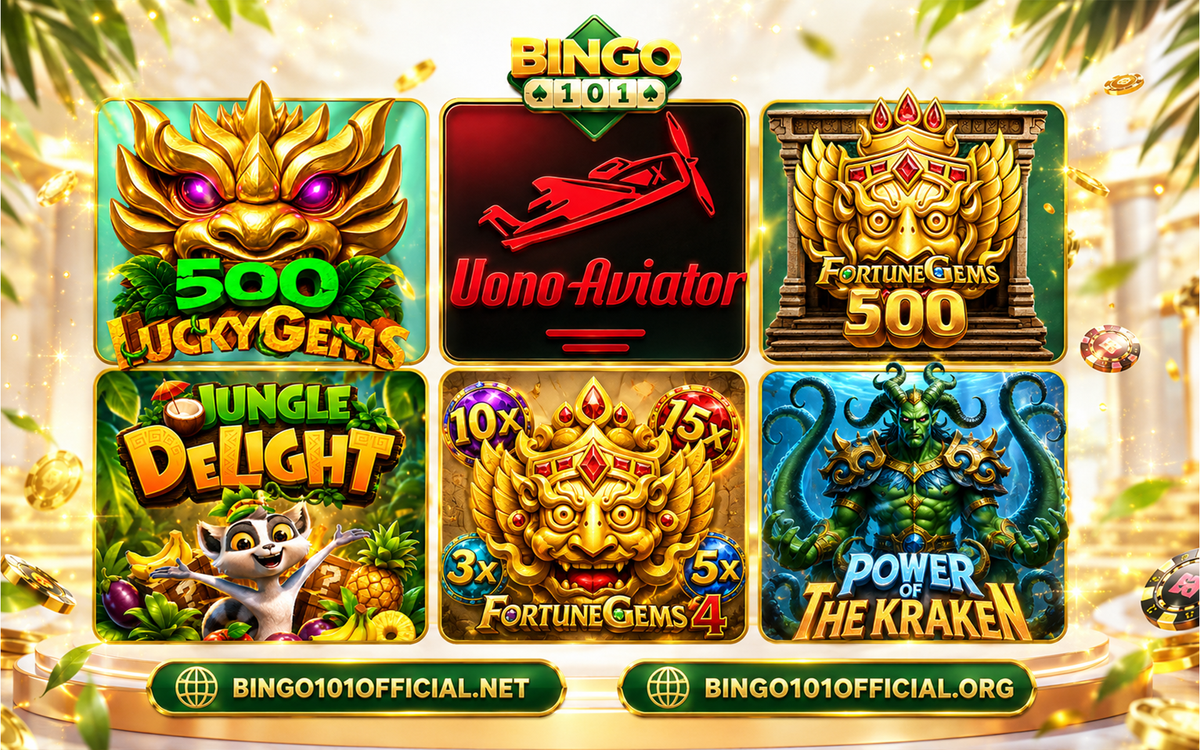
The largest shelf by far. It runs from classic three-reel machines such as Fortune Tiger and Money Coming to grid slots such as Gates of Olympus and Mahjong Ways, where winning symbols clear and new ones fall in. Free spins, multipliers and bonus rounds differ from one title to the next.
Crash Games
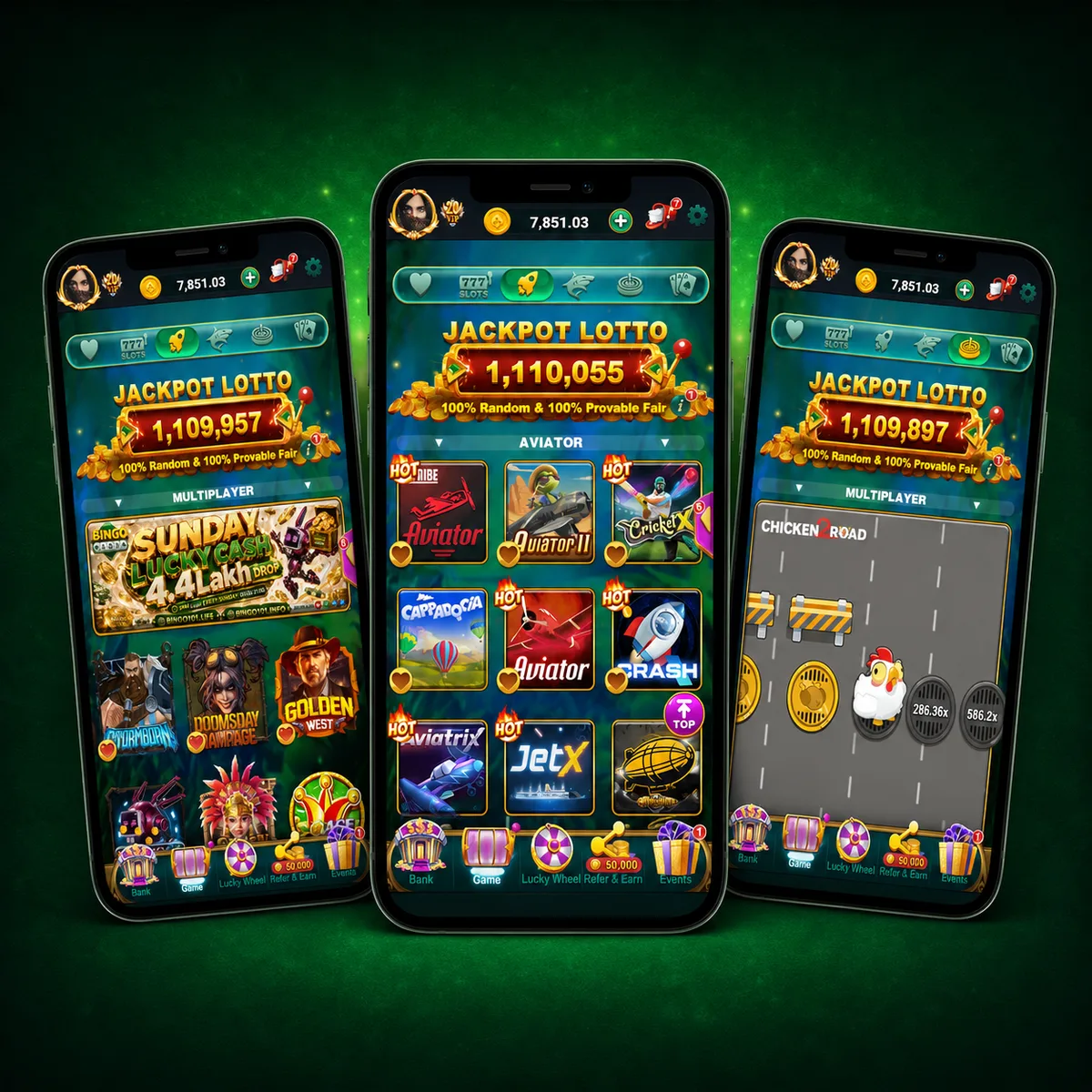
Aviator, JetX, Aviatrix, Zeppelin and others. A multiplier climbs from 1.00x and you cash out before it stops. The stopping point is set at random before the round starts, so your only decision is when to leave.
Instant and Number Games
Short formats such as Wingo, Mines, Plinko, Chicken Road, dice and keno. Some settle on one draw, others let you reveal tiles or take steps and stop whenever you choose.
Card and Table Games
Teen Patti, Rummy, Andar Bahar, Dragon vs Tiger, Seven Up Down, Jhandi Munda, Ludo, Roulette and a few more. Rummy and Teen Patti ask you to play a hand. Andar Bahar and Dragon vs Tiger ask only for a bet on a side.
Fishing Games
Arcade shooters such as Jackpot Fishing and Mega Fishing. You aim at moving targets and each shot costs the stake you selected, so the cost of a session depends on how much you fire.
How to Choose a Game
The right game depends on the pace you want and how many decisions you want to make. A slot asks nothing of you after you set the stake. A crash game asks for one decision per round. A rummy hand asks for a decision on every turn and can take several minutes.
- You want something simple to start with: a three-reel slot with a short paytable, such as Fortune Tiger or Money Coming, or the bingo room, where the app marks the ticket for you.
- You want quick rounds: Dragon vs Tiger, Andar Bahar, Wingo or Seven Up Down settle in seconds or about a minute. Fast rounds also mean your stake turns over fast, so keep an eye on the total.
- You want decisions that matter: Rummy and Teen Patti are played against other players, and how you build or bet a hand changes your result over many rounds.
- You want to control the exit: crash games, Mines and Chicken Road let you stop and bank a payout whenever you choose.
- You want arcade action: fishing games, as long as you set the shot value before you start.
Start with the smallest stake a game offers and play a few rounds just to learn the screen. Moving between categories costs nothing, because every game sits in the same app and wallet. The individual guides for Bingo 101 slots, rummy and fishing games go deeper on each shelf.
Basic Mechanics
Every game in the lobby works on the same basic loop: choose a stake, place the bet before the window closes, and let the round settle. What changes from one category to the next is what happens in between.
Setting the Stake
Most games use a chip selector or a slider. Choose the amount before the round opens, not in the last seconds of a betting timer, because a rushed bet is often one you did not mean to make.
Reading the Rules and Paytable
Each game has a rules or information button, usually an icon near a corner of the screen. It shows the paytable, how ties and side bets are settled, and any game-specific limits. Variants of the same game can follow different rules, so read them even if you already know the game from somewhere else.
How Results Are Decided
- Draws and reels: bingo numbers, slot symbols and Wingo results are produced fresh for every round. Past results are a record, not a pattern.
- Cash-out games: the crash point is fixed before the round starts. Auto cash-out lets you set your exit in advance.
- Card games against players: in Rummy and Teen Patti the deal is luck, but your choices after the deal are yours. The app takes a fee from each cash pot, which the table rules state.
- Per-shot games: in fishing games the stake is charged on every shot, not once per round.
No predictor app, history strip or betting system changes how a round is decided. A bigger stake changes the size of a win or loss, never the chance of it.
Where to Find Games in the App
All Bingo 101 games are inside the single Android app. There is no separate download for each title, so you install the app once from the Bingo 101 APK download page for Android (version 1.2.0, 35.7 MB, Android 5.0 or later) and the full lobby comes with it. The game download guide explains why a separate file for one game is something to avoid.
After installing, sign in with your mobile number and OTP. If you have trouble getting in, the guide to Bingo 101 login and account access covers the common fixes. Once you are in:
- Open the lobby from the home screen of the app.
- Use the category tabs to filter by bingo, slots, crash, instant and number, card and table, or fishing.
- Use the search box to find a game by name, which is quicker on the slots shelf.
- Tap a game, open its rules button, then choose your stake.
New titles are added from time to time, slots most often, and categories can change. The in-app lobby is always the current list. For background on the app itself, start from the Bingo 101 home page of this site.
Playing Limits
Every game in the lobby is a real money game for players aged 18 and over. Treat it as entertainment you pay for, not as a way to earn. Set your limits before you open a game, because limits decided after a loss rarely hold.
- A spending limit: the amount you are ready to lose in one session, decided before you add cash.
- A time limit: set a phone timer. Fast games make minutes disappear.
- A stake per round: divide your session amount by the number of rounds you want to play.
- A stop rule: leave after a set loss or a set number of rounds, and do not top up mid session.
Bonus money carries wagering conditions, so it cannot always be withdrawn straight away. Read the terms on the Bingo 101 bonus page before you play with it. Table limits, minimum stakes and maximum bets are shown inside each game, and they can differ between tables.
Never play with borrowed money and never play to win back a loss. If gaming stops being fun, take a break and read the responsible gaming page for practical steps and support options.
Frequently Asked Questions
What game categories does Bingo 101 list?
The live site lists 216 games in six categories: bingo, slots, crash games, instant and number games, card and table games, and fishing games. Titles change over time, so confirm current availability in the app lobby.
Does every Bingo 101 game use the same rules?
No. Each game has its own rules and paytable, and variants of the same game can differ. Open the rules button inside the game before you place a bet.
Do I need a separate download for each game?
No. All games are inside the single Bingo 101 Android app and share one balance. Install the app once from the APK download page.
Which Bingo 101 game is easiest for a beginner?
Simple three-reel slots and the bingo room ask for the fewest decisions. Start with the smallest stake and read the paytable first.
Can I play Bingo 101 games in a browser?
Bingo 101 is offered as an Android app, so the full lobby is played inside the installed app rather than on this website.
Related Guides
- Bingo 101 All Games: Browse the CatalogueAll 216 Games by Category
- Bingo 101 APK Download for AndroidBingo 101 APK download
- Bingo 101 Slots: Games, Paytables and FeaturesSlots: paylines, RTP and paytables
- Bingo 101 Rummy: Rules and Game VariantsRummy Rules and Variants
- Responsible GamingResponsible gaming