The Bingo 101 login lets you access your account any time to play, add money or withdraw your winnings. Signing in is quick once your account is set up. This guide shows you how to complete the Bingo 101 login step by step, and what to do if you cannot get in.
This is part of our Bingo 101 complete guide. If you do not have the app yet, start with the Bingo 101 APK download guide.
How to log in to Bingo 101
- Open the Bingo 101 app on your phone.
- Enter your registered mobile number.
- Verify with the OTP or your password, depending on how your account is set up.
- You are in, with your balance and games ready.
Bingo 101 login problems and fixes
- OTP not arriving? Check your signal, confirm the number is the one you registered with, and tap resend.
- Forgot your password? Use the app’s reset or OTP login option to regain access.
- App not opening? Make sure you have the latest version from the official site and a stable connection.
Bingo 101 login troubleshooting
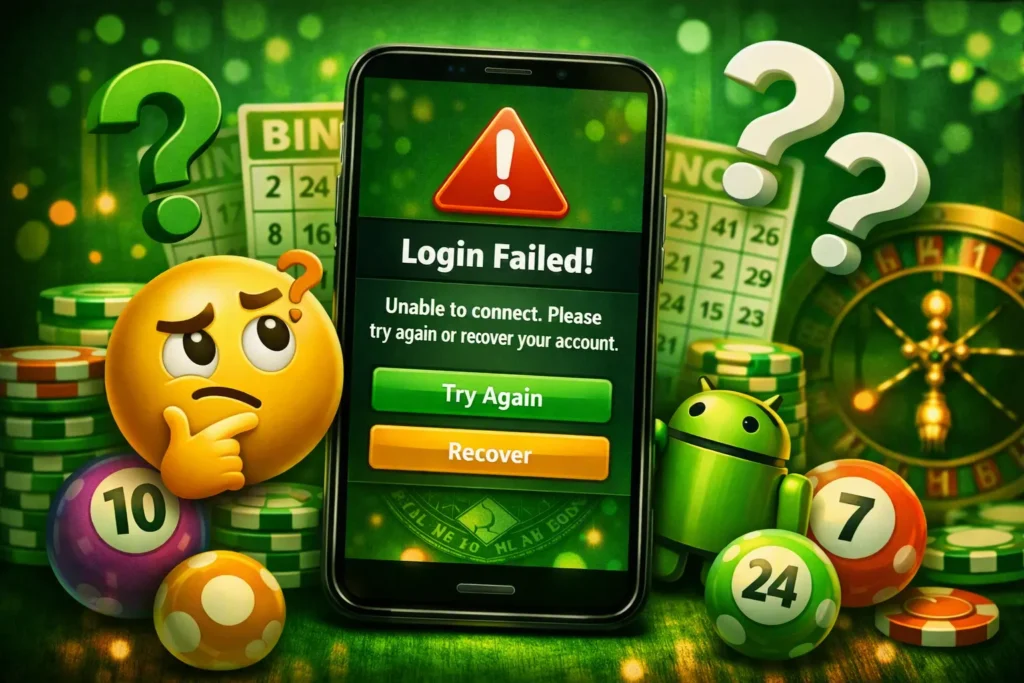
Most Bingo 101 login problems have a quick fix. If you cannot get in, work through the common causes below before contacting support.
- OTP not arriving: wait a minute, check your network, then request a new code. Make sure you entered the correct mobile number.
- Forgot password: use the reset option, which sends a fresh OTP to your registered number so you can set a new password.
- Wrong number: you must log in with the same number you registered with, as the account is tied to it.
- App outdated: an old version can fail to load the login screen; update to the latest APK.
Keeping your Bingo 101 login secure
Your Bingo 101 login protects a real-money wallet, so treat it like a banking app. Use a strong, unique password, never share an OTP with anyone, and be wary of messages claiming to be support and asking for your code. No genuine staff member will ever ask for your password or OTP. If you suspect someone else has accessed your account, change the password and contact support at once.
Playing responsibly
Bingo and the other games on Bingo 101 are games of chance. No strategy changes the odds of a draw, so only play with money you are prepared to lose, and never treat it as a way to make income.
Decide how much you intend to spend in a session before you start playing, rather than after you have already incurred losses. Do not try to recoup losses at any cost. If you realize you are playing with money set aside for another purpose, it is time to stop.
Real-money games are intended for adults aged 18 and older. Information regarding account limits and self-exclusion tools is available on our Responsible Gaming page.
In India, real-money games are regulated at the state level, and rules vary by state. Check the regulations applicable to your region before you start betting. For broader context on responsible and compliant play in India, see the All India Gaming Federation.
Frequently asked questions
How do I log in to Bingo 101?
Open the app, enter your registered mobile number, and verify with the OTP or your password. Your account opens straight away.
I did not receive my Bingo 101 login OTP. What do I do?
Check your signal, confirm you are using your registered number, and tap resend.
I forgot my Bingo 101 password. How do I reset it?
Use the password reset or OTP login option in the app to regain access.
Can I log in on more than one phone?
Your account is tied to your registered mobile number, so signing in on a new device uses the same number and OTP.