Bingo 101 customer care runs through two official channels: the 24/7 online customer service in the app’s Contact Us screen and the support email, support@bingo101.com. There is no official support number that calls or messages you first. This guide shows how to reach support, what to send for each kind of problem so it gets solved on the first reply, and how to recognise the fake “support” accounts that target players.
- Official support is the 24/7 chat under Contact Us in the app, plus support@bingo101.com.
- Always send your UID, shown at the top of Contact Us.
- Deposit refunds must be reported within 3 days of the payment.
- Real support never contacts you first and never asks for your OTP, UPI PIN or a fee.
- This site is an independent guide; account help comes from the app.
Official Bingo 101 Customer Care Channels
| Channel | Where to find it | Best for |
|---|---|---|
| Contact Us (in-app chat) | Inside the Bingo 101 app. Shows your UID at the top. | Everything: deposits, withdrawals, bonuses, login |
| support@bingo101.com | Written cases and anything that needs attachments | |
| Help center (in-app) | Inside the app | Referral rewards that did not arrive |
The app is run by its operator at bingo101.com. This site, bingo101official.net, is an independent guide. Our social accounts share guides, not account support, so account questions always go to the app’s Contact Us screen or the support email.
How to Reach Bingo 101 Customer Care in the App
- 1Open the Bingo 101 app and sign in.
- 2Open Contact Us. Your UID is shown at the top of the screen.
- 3Start the online customer service chat, or choose the email option.
- 4Describe the problem in one message with the details listed below.
- 5Keep the chat or email open until you have a reference or a clear answer.
Before you write, check whether the answer is already on your screen. Withdrawal statuses, bonus payout days and login fixes are covered in the withdrawal guide and the login guide, and that is usually quicker than waiting for a reply.
Check These Before You Contact Support
Many questions are answered on a screen you already have. Look here first, because it is usually faster than waiting for a reply.
| Your problem | Check first |
|---|---|
| Deposit not showing | Bank screen, Cash box, after a few minutes |
| Withdrawal status | My Transactions, Withdrawals tab (Succeed, Pending, Fail, Refund) |
| Missing bonus | Game mailbox, Promo mailbox and the Bonus box |
| Referral reward | Referral dashboard under Refer and Earn |
| Login or OTP | The login guide steps |
| App errors | The app not working guide |
Where to Find Your UID, UTR and Request ID
- UIDYour player ID. It is shown at the top of the Contact Us screen and in your profile next to your VIP level.
- Request IDThe ID of a withdrawal request, shown in My Transactions. Save it for every payout.
- UTRThe bank reference for a payout or payment. Support asks for it to trace money between banks.
- Payment referenceThe reference your UPI or bank app shows for a deposit. Keep it until the money is credited.
What to Send Bingo 101 Customer Care
Support solves a case faster when the first message has everything. Send your UID every time, then the details for your issue.
| Issue | What to include |
|---|---|
| Deposit debited but not credited | UID, amount, time, payment reference from your UPI or bank app, screenshot of the debit |
| Withdrawal pending or failed | UID, amount, time, request ID and UTR, screenshot from My Transactions |
| Bonus not credited | UID, promotion name, date, screenshot of the mailbox or Bank screen |
| Login or OTP problem | UID if you have it, registered mobile number, screenshot of the error |
| Account compromised | UID, what changed, when you noticed it |
Bingo 101 Customer Care Message Templates
Copy the one that fits, fill in the brackets and send it through Contact Us. One complete message gets a faster answer than several short ones.
- Deposit not creditedHello, my add cash was debited but not credited. UID: [your UID]. Amount: ₹[amount]. Time: [date and time]. Payment reference: [reference]. Screenshot attached.
- Withdrawal pending or failedHello, my withdrawal shows [Pending/Fail]. UID: [your UID]. Amount: ₹[amount]. Request ID: [ID]. UTR: [if shown]. Screenshot from My Transactions attached.
- Bonus not creditedHello, I did not receive [promotion name] for [date]. UID: [your UID]. I checked the game mailbox and the Promo mailbox. Screenshot attached.
What Support Can Help With
- PaymentsDeposits that did not credit, duplicate charges and withdrawals stuck on Pending or Fail.
- BonusesMissing rewards after you have checked the mailboxes and the payout day.
- Account securityIf you think your account or password was compromised, report it at once and change your password.
- Account closureClosing your account or withdrawing consent is done through the official support channels.
- MinorsParents who find a minor using an account should contact support immediately.
- Scam reportsReport fake agents or numbers to support from inside the genuine app.
Fake Bingo 101 Customer Care: How to Spot It
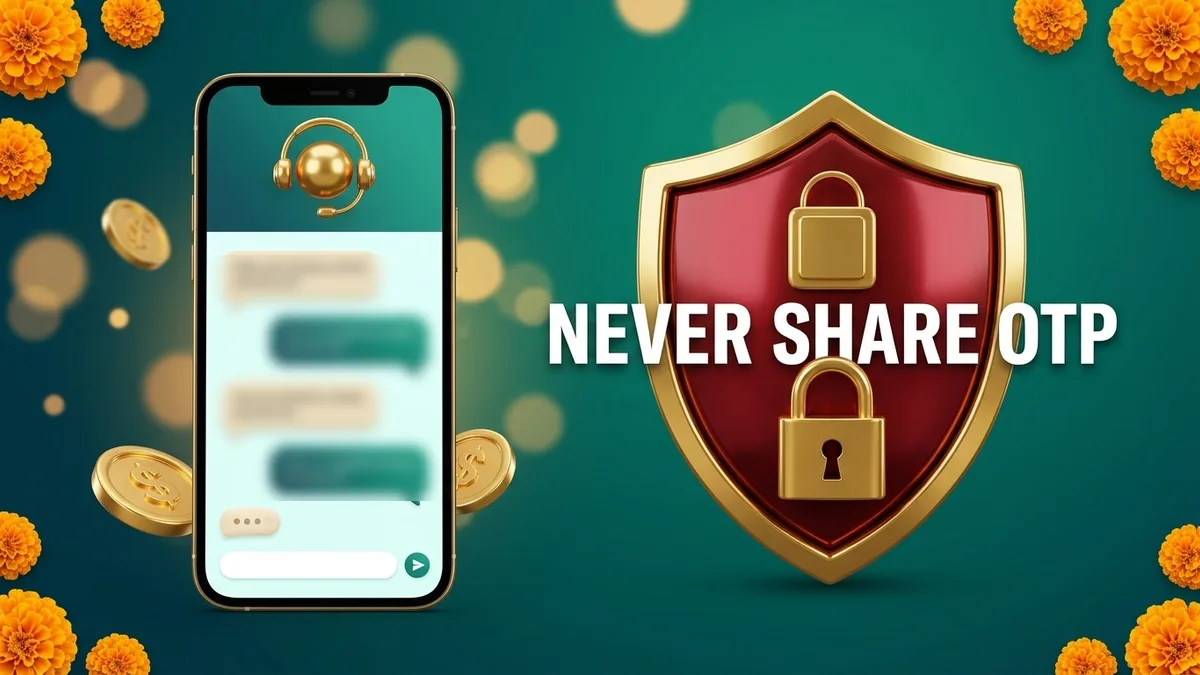
Fake support is the most common scam around the app. Genuine Bingo 101 support does not contact you first on a personal number, does not need your OTP, UPI PIN or password, and cannot speed up a withdrawal for a fee.
- A WhatsApp or Telegram number that messages you first.
- Anyone asking for your OTP, UPI PIN or password.
- A request to share your screen.
- A “tax” or “release charge” to free a withdrawal.
- A “recharge agent” asking you to pay to their UPI ID.
- You never enter a UPI PIN to receive money.
If you already paid or shared a code, call 1930, India’s national cyber fraud helpline, which runs 24 hours a day, and file a complaint at cybercrime.gov.in. Then report it to Bingo 101 support from inside the app. The full checklist is in Is Bingo 101 Real or Fake.
Play Within Your Limit
Set an amount before you open the app and stop when it is gone. Never add cash you need for food, rent, bills or daily costs, and take breaks during long sessions. Support can also help you close your account if you want to stop. Bingo 101 is for players aged 18 and over, and the responsible gaming page lists the controls available on your account. Industry guidance on playing safely is published by the All India Gaming Federation.
Frequently Asked Questions
How do I contact Bingo 101 customer care?
Open Contact Us in the app for the 24/7 online customer service, or email support@bingo101.com.
Is there a Bingo 101 customer care number?
The official channels are the in-app chat and the support email. Support does not call or message you first from a personal number.
Where do I find my Bingo 101 UID?
At the top of the Contact Us screen, and in your profile next to your VIP level.
What should I send for a failed withdrawal?
Your UID, the amount, the time, the request ID and the UTR, with a screenshot from My Transactions.
Will Bingo 101 support ask for my OTP?
Never. Anyone asking for your OTP, UPI PIN or password is not Bingo 101 support.
How long do I have to report a deposit that did not credit?
Report it within 3 days of the payment. Approved refunds take up to 5 business days.
Can support close my Bingo 101 account?
Yes. Account closure is requested through the official customer support channels.
Is Bingo 101 customer care available 24/7?
Yes. The online customer service in the app’s Contact Us screen runs 24/7.
Is bingo101official.net Bingo 101 customer care?
No. This site is an independent guide. Account help comes from Contact Us in the app or support@bingo101.com.
What if someone on WhatsApp says they are Bingo 101 support?
Real support does not contact you first on a personal number. Do not share anything, and report the number from inside the genuine app.
Where do I find the UTR for a withdrawal?
It appears with the withdrawal in My Transactions. Save it with the request ID for every payout.